.png)
Google Merchant Center: Boosting eCommerce Sales Online


Managing hundreds or even thousands of products across multiple platforms can leave UK and Ireland retailers feeling overwhelmed. Google Merchant Center serves as your powerful command centre, allowing you to organise, update, and control how your listings appear in Google Shopping, search, and even YouTube. By focusing on accurate product feeds and policy compliance, you gain control over ad performance and customer trust—two factors that drive higher sales and smoother growth in a busy eCommerce environment.
Table of Contents
Key Takeaways
Point | Details |
Centralised Product Management | Google Merchant Center allows retailers to manage their entire product catalogue from one location, improving efficiency. |
Data Quality Is Crucial | Maintaining accurate and complete product feeds enhances ad performance and customer satisfaction. |
Regular Feed Updates Required | Automating or scheduling regular updates prevents discrepancies between feed data and actual stock. |
Compliance With Policies | Adhering to Google’s listing policies is essential to avoid disapprovals and maintain account health. |
What Is Google Merchant Center For Retailers
Google Merchant Center is essentially the hub where your product information lives before it reaches potential customers across Google’s shopping services. Think of it as the control centre for your entire product catalogue on Google. Rather than manually listing each item on Google Shopping, you upload your product data once to Merchant Center, and Google uses that information to display your products across Google Search, Google Images, Google Shopping, YouTube, and even local search results. For UK and Ireland retailers, this means one centralised location to manage how thousands of products appear to shoppers searching on Google.
Here’s what actually happens when you set up Merchant Center. You create an account, verify your website ownership, and upload a product feed containing details like item names, prices, descriptions, images, and availability. The platform then organises your ecommerce products so they appear in relevant search results. But this isn’t just about visibility. The quality of your product data directly impacts how well your ads perform. Retailers who maintain accurate product information feeds see better campaign effectiveness, lower costs per click, and improved customer experience because shoppers get exactly what they’re expecting.
What makes Merchant Center particularly valuable for growing ecommerce businesses is that it works alongside your paid advertising. If you’re running Google Shopping campaigns or Google Ads, your Merchant Center feed powers those ads. Poor feed quality means poor ad performance. Missing product attributes, incorrect pricing, out-of-stock items still listed as available—these issues don’t just clutter your listings, they tank your conversion rates. That’s why retailers who treat Merchant Center as a maintenance responsibility rather than a one-time setup task see significantly better results. The platform flags data quality issues, suggests improvements, and helps you understand what Google is actually showing customers.
For retailers expanding into paid channels or looking to improve organic visibility, understanding how product feeds work here makes everything clearer. When you combine proper feed management with paid search strategies, you’re essentially giving Google better information to match your products with the right customers at the right moment.
Pro tip: Set aside time each week to review your Merchant Center dashboard for disapproved items or data quality issues rather than waiting until they accumulate, as catching problems early prevents lost sales opportunities.
Key Features And Supported Product Types
Google Merchant Center supports a surprisingly broad range of product types, which means whether you’re selling clothing, electronics, furniture, or digital content, there’s likely a category that fits. The platform handles everything from physical goods that need shipping addresses to digital products delivered instantly online. This flexibility matters because it means you can manage your entire product range in one place rather than juggling multiple systems. For retailers with mixed inventories—say, a fashion brand selling both clothing and printable sewing patterns—you can organise everything within the same feed using structured product type hierarchies.
The core features that power your listings centre around data management and advertising integration. You upload your product feed once, and Merchant Center handles the heavy lifting of making that information available across Google’s ecosystem. The platform includes product type organisation that lets you create detailed category hierarchies beyond Google’s standard taxonomy, giving you more precision when targeting campaigns. Beyond just uploading products, you get tools to manage shipping costs, handle tax calculations, and monitor policy compliance automatically. When you integrate with Google Ads, your Merchant Center feed becomes the backbone of your Shopping campaigns and other paid initiatives. This integration means better targeting, more relevant ads, and ultimately higher conversion rates because customers see exactly what you’re advertising.

What often surprises retailers is how granular you can get with product attributes. You’re not limited to just a name and price. Key features include detailed product data management that captures descriptions, images, availability status, colour variants, size options, and custom labels. This level of detail helps Google match your products to customers searching for very specific items. If someone’s searching for “blue running trainers size 10,” Google can serve your listing because you’ve provided those details in your feed. You also get quality monitoring tools that flag issues automatically—things like missing product images, incorrect formatting, or policy violations. Rather than discovering these problems when your ads underperform, you catch them before they impact your sales.
Here is a summary of critical Google Merchant Center features and their impact on retail performance:
Feature or Tool | Main Function | Business Impact |
Product Feed Upload | Centralises catalogue management | Streamlines listings, saves time |
Data Quality Monitoring | Flags errors and policy breaches | Prevents ad waste, boosts trust |
Custom Labels | Segments products for campaigns | Enables focused advertising |
Ad Integration | Connects with Google Shopping/Ads | Powers campaigns, improves reach |
Detailed Attributes | Provides variant, image, and pricing data | Increases search relevance |
Pro tip: Use custom labels in your product feed to segment items by profit margin, bestseller status, or seasonal relevance, then create separate campaigns for high-value products to maximise your advertising budget efficiency.
How Product Feeds And Policies Work
A product feed is essentially a structured file—think of it as a spreadsheet or XML document—that contains all your product information in a format Google understands. You upload this feed to Merchant Center, and Google reads through it to extract details about each item you’re selling. The feed includes mandatory information like product ID, title, description, price, and availability, but also optional attributes that help Google understand your products better. Structured product feeds contain detailed information such as product type, pricing, and availability data that ensures your items appear correctly when customers search on Google. The beauty of this system is that you’re not manually entering each product into Google one by one. Instead, you automate the process by updating your feed regularly—whether that’s daily, weekly, or whenever your inventory changes. This means when you restock an item or adjust a price, those changes can propagate across Google Shopping within hours.
Google’s policies exist to protect both the platform and customers. The company enforces strict rules about what can and cannot appear in product listings, and these rules apply globally but with regional variations. You cannot make misleading claims in your product descriptions, you must provide accurate pricing and availability, and you need to comply with category-specific restrictions. For example, if you’re selling beauty products, you cannot make unsubstantiated health claims. If you’re selling electronics, you need proper labelling for refurbished or used items. Retailers must maintain accurate pricing and compliant product listings to avoid disapprovals or account suspensions. When you violate these policies, Google doesn’t just delete your products silently. Instead, the platform disapproves specific items and notifies you about what went wrong. This gives you a chance to fix the issue, resubmit, and get back online.
What makes feed management tricky is that you’re juggling two things simultaneously: technical accuracy and policy compliance. Your feed might be technically perfect—every field filled in correctly—but still violate policy if your product description makes false claims. Conversely, you could have genuinely compliant products that disappear because of formatting errors Google cannot interpret. That’s why successful retailers treat feed management as an ongoing responsibility rather than a one-time task. You monitor your Merchant Center dashboard for warnings and errors, fix issues promptly, and test changes before they go live. The platform provides detailed error reports showing exactly which products have problems and why, making it relatively straightforward to diagnose and resolve issues. When you combine clean, accurate data with strict policy adherence, your products stay visible and your ads perform consistently.
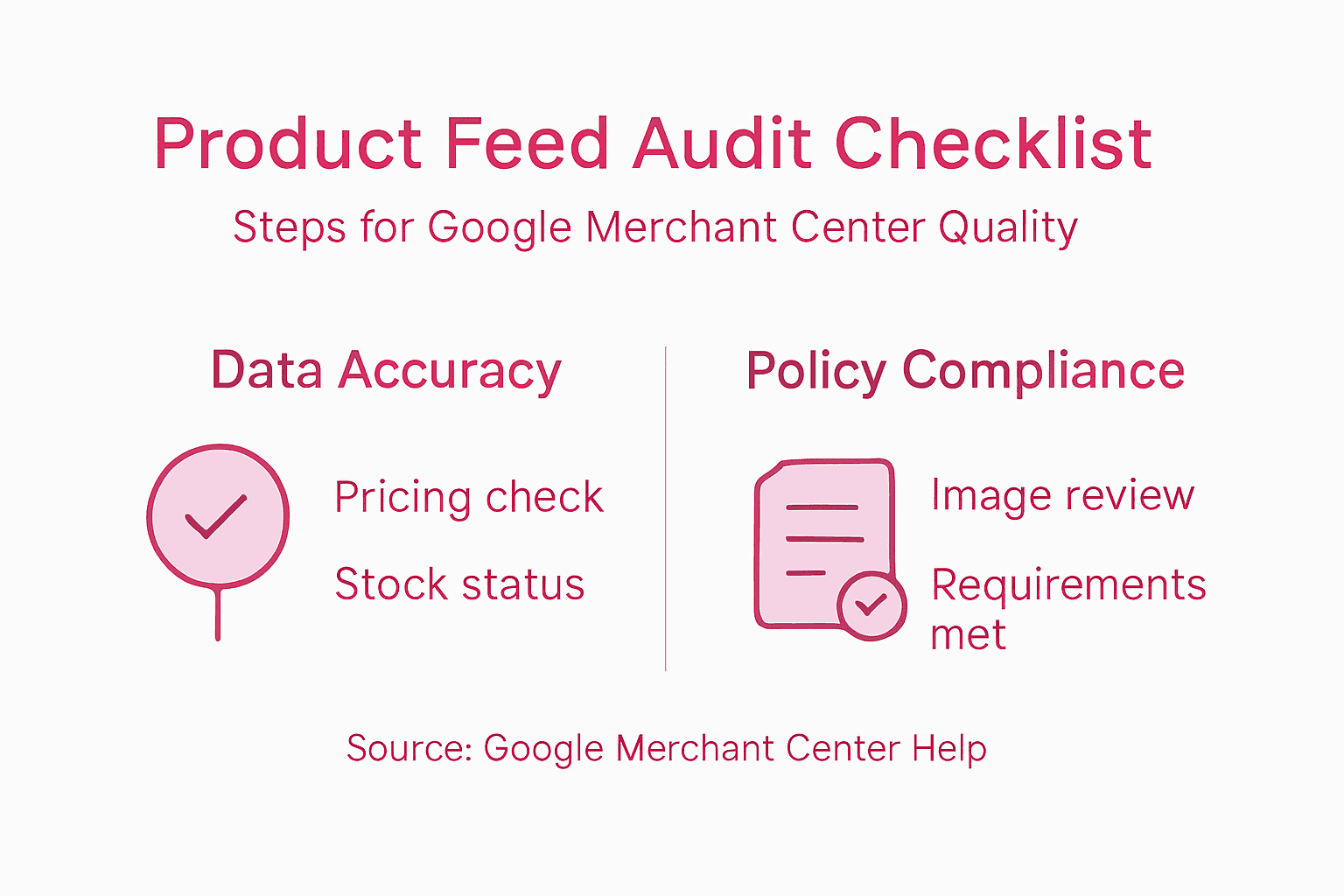
Pro tip: Create a monthly audit checklist covering pricing accuracy, inventory status, image quality, and policy compliance, then run through it systematically to catch issues before Google flags them and your visibility drops.
Setting Up And Verifying Your Account
Getting your Merchant Center account live requires more than just clicking a few buttons. You start with a Google account (if you don’t already have one), then navigate to Merchant Center and create your merchant account. But here’s where it gets real: Google needs to verify that you actually own the website you’re claiming to represent. This verification step protects both you and Google by preventing fraudulent accounts. Setting up Merchant Center involves creating an account and verifying business details through methods like HTML file uploads or tag insertion into your website code. Think of it as Google asking for proof that you’re legitimate before letting you advertise products. The verification process typically takes a few hours, though sometimes it can stretch to a few days if you’re using certain verification methods.
Once you’ve verified your website, you’ll need to configure the business settings that actually affect how your products appear and how payments work. This includes setting up shipping information (which postcodes you deliver to, what you charge for shipping, how long delivery takes), configuring sales tax if you’re operating in the UK or other regions with VAT requirements, and connecting your Google Ads account if you’re running paid campaigns. These settings aren’t just administrative boxes to tick. Your shipping configuration directly impacts whether customers see your products in their area. If you haven’t entered any shipping destinations, your products simply won’t appear to shoppers outside your coverage area. Sales tax configuration affects the final price customers see at checkout. Get it wrong and you’re either overcharging customers or undercharging and eating the difference. Account verification requires confirming website ownership and ensuring compliance with product data quality requirements, which establishes the foundation for successful advertising and shopping listings.
After configuration, you upload your product feed. This is where many retailers stumble because they underestimate the importance of data accuracy before submission. Google doesn’t just accept every feed you upload—it checks your products against policies and quality standards. Missing images, incorrect formatting, or policy violations get flagged before your account goes live. You have the chance to fix these issues and resubmit. Only once your feed passes review and you’ve met all verification requirements does your account become active. From that point forward, your products can appear in Google Shopping results and power your paid campaigns. It sounds straightforward, but the setup process typically takes 1 to 2 weeks from account creation to your first products going live, depending on how clean your initial data is and how quickly you respond to any issues Google flags.
Pro tip: Before uploading your product feed, run it through Google Merchant Center’s data validation tools in a test environment to catch formatting errors and policy violations early, saving yourself multiple resubmission cycles.
Common Pitfalls And How To Avoid Them
The most damaging mistake retailers make with Merchant Center is allowing their feed data to drift out of sync with their actual website. You set up your feed with accurate prices and availability, then months pass and you’re updating prices on your website but forgetting to update the feed. Customers see one price on Google and a completely different price on your checkout page. They get frustrated, abandon their cart, and leave a negative review. Google notices these discrepancies too and starts suppressing your listings because the user experience suffers. Mismatched pricing or availability between feeds and landing pages creates disapprovals and damages your account health. Similarly, if your feed says an item is in stock but you sold out last week, you’re sending customers to a dead link. These aren’t small errors that fade away. They compound over time and tank your conversion rates.
Another common pitfall is neglecting regional configuration. You might be based in London but assuming your shipping settings cover all of the UK automatically. They don’t. If you haven’t explicitly set up delivery zones and shipping costs for Scotland or Northern Ireland, customers in those areas simply won’t see your products. Some retailers also make the mistake of uploading their feed once and then ignoring it. Your inventory changes, prices fluctuate, seasonal products come and go. If you’re only uploading feeds quarterly, you’re missing 89 days of potential sales from outdated information. The solution here is straightforward but requires discipline. Set up automated feeds if your system supports it, or schedule regular manual uploads to match how often your inventory actually changes. Many retailers find that weekly uploads work well, though daily updates are ideal if you’re selling fast-moving stock.
A less obvious pitfall is poor mobile optimisation and unclear customer communication. Retailers often neglect mobile optimisation and ignore customer feedback, both of which damage long-term performance. Your product images might look fine on desktop but appear tiny on mobile. Your descriptions might be too technical for your actual target audience. You’re not reading customer reviews or addressing common questions people ask about your products. These issues don’t immediately disappear your listings, but they silently destroy conversion rates. Someone finds your product on Google, clicks through, gets confused by poor mobile layout or unclear sizing information, and bounces. You’ve paid for that click but gained nothing. Start paying attention to how customers interact with your listings. What questions do they ask repeatedly? What images do they respond to? What product details actually matter to your audience versus what’s just filler?
Below is a comparison of common Merchant Center errors and practical solutions to prevent them:
Pitfall | What Happens | Best Prevention Strategy |
Outdated pricing or availability | Mismatched info, customer frustration | Weekly updates and feed audits |
Poor regional shipping setup | Missed visibility in unsupported areas | Specify all delivery zones and costs |
Weak mobile optimisation | Lower conversion rates on mobile devices | Test images and layout on mobile devices |
Pro tip: Set up Google Merchant Center alerts for data quality issues and schedule a weekly 30-minute review of your feed performance metrics to catch pricing mismatches, availability errors, and policy violations before they damage your sales.
Elevate Your Google Merchant Center Success with Expert eCommerce Marketing
Managing your product feed accurately and ensuring Google Merchant Center compliance can feel overwhelming when you are trying to scale your eCommerce business. This article highlights the critical challenges retailers face such as data quality monitoring, frequent feed updates, regional shipping configuration, and policy adherence — all of which directly impact your ad performance and sales conversion rates. If you want to transform your Google Merchant Center presence from a maintenance burden into a powerful sales engine, specialised digital marketing expertise becomes essential.

At iwanttobeseen.online, we combine over 25 years of hands-on experience building successful brands with advanced SEO, AI, Social Media, and PPC strategies designed specifically for eCommerce websites. We understand how to optimise product feeds, segment campaigns with custom labels, and maintain flawless account health so you never miss a sales opportunity. Don’t let pricing mismatches or policy violations silently erode your customer trust and advertising budget. Visit our digital marketing services page now to discover how we can help you maximise your Google Merchant Center results today. Take control and watch your products reach the right customers at the right moment with precision and confidence.
Frequently Asked Questions
What is Google Merchant Center and how does it work?
Google Merchant Center is a platform that allows retailers to upload their product information, which is then used across Google’s shopping services. By centralising product data, it streamlines the process of listing items on Google Search, Google Shopping, and more, ensuring products are visible to potential customers.
How can I improve my product listings in Google Merchant Center?
To enhance your product listings, ensure you provide accurate and detailed product information, including images, descriptions, prices, and availability. Regularly monitor your Merchant Center dashboard for data quality issues and make use of custom labels for targeted advertising to improve campaign effectiveness.
What are the key features of Google Merchant Center?
Key features include product feed management, data quality monitoring, advertising integration, custom labels for campaign segmentation, and detailed attributes for each product. These tools help retailers optimise their listings and enhance visibility across Google’s platforms.
What should I do if my product feed is disapproved?
If your product feed is disapproved, check the specific reasons provided by Google. Common issues include incorrect formatting, misleading claims, or policy violations. Address these problems by correcting the feed and resubmitting it to merchant center for approval.
Recommended
Comments