.png)
How to Set Up Remarketing for eCommerce Success
- Darren Burns
- Jan 29
- 7 min read


Re-engaging past visitors can often feel like chasing shadows, especially for Ecommerce businesses in the United Kingdom and Ireland determined to reclaim lost sales. With so many customers dropping off before completing a purchase, effective remarketing becomes vital for bringing them back. You will discover how precise strategies like implementing tracking pixels and crafting tailored ads can help you reconnect with your audience and drive more successful conversions.
Table of Contents
Quick Summary
Key Point | Explanation |
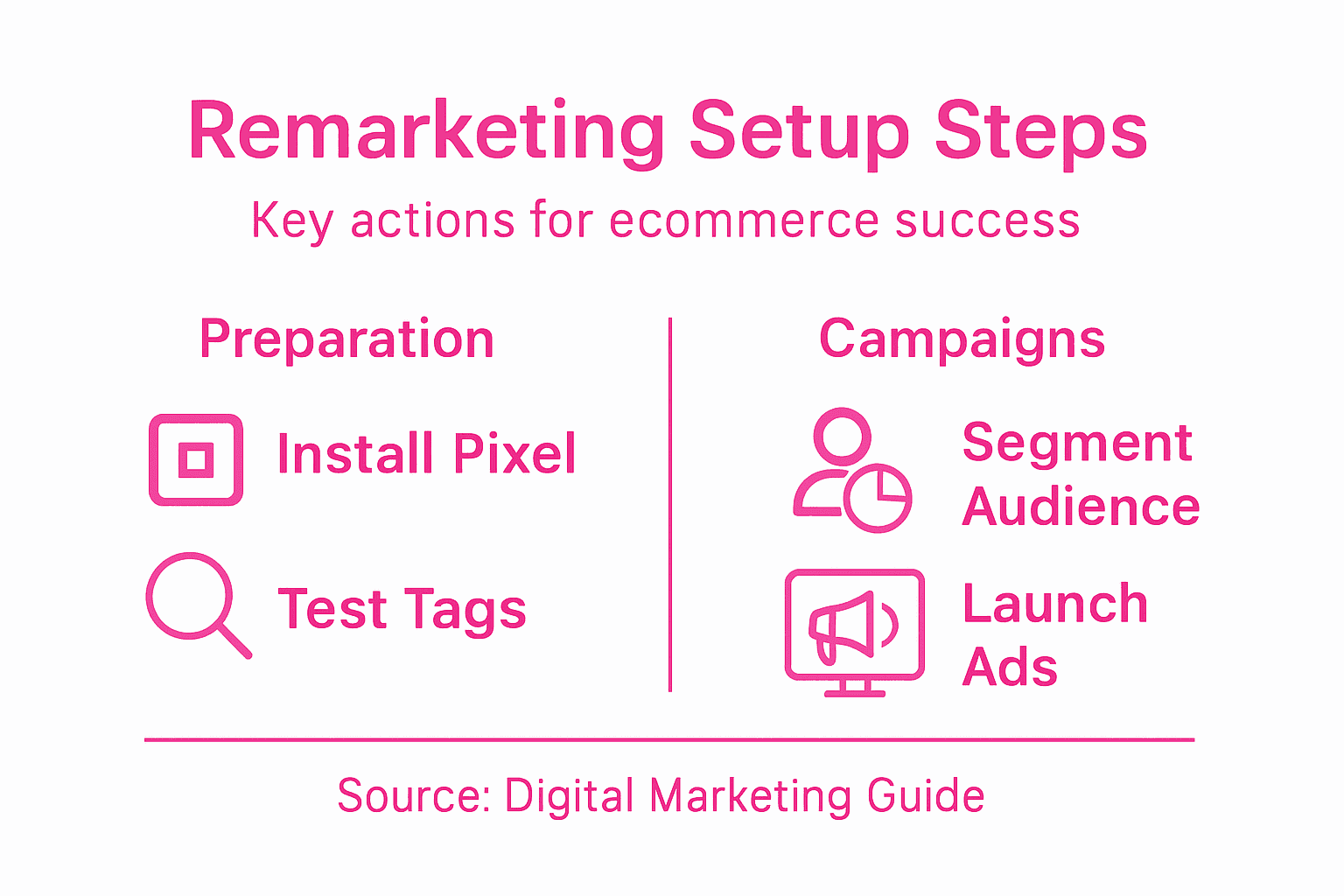
1. Install tracking pixels on your website | Use tracking pixels or cookie tags to monitor visitor behaviour and create custom audience lists for targeted ads. |
2. Segment audiences for tailored marketing | Develop audience groups based on site interactions and demographics to create precise and effective advertising strategies. |
3. Configure tracking tags properly | Ensure accurate data collection by setting up tracking tags correctly, which will help monitor user interactions effectively. |
4. Create personalised ads for remarketing | Design ads that reflect users’ previous interactions to improve engagement and conversion rates across multiple channels. |
5. Continuously monitor and optimise campaigns | Regularly review key campaign metrics and make data-driven adjustments to enhance advertising performance and ROI. |
Step 1: Prepare your website for remarketing
Preparing your eCommerce website for remarketing is a crucial first step in creating targeted advertising campaigns that re-engage potential customers who have previously visited your site. This process involves strategically implementing tracking technologies that will help you build precise audience segments for future marketing efforts.
To begin, you’ll need to add tracking pixels or cookie tags to your website pages. These small pieces of code will track visitor behaviour and enable you to create custom audience lists based on specific interactions. Most advertising platforms like Google Ads and Facebook Ads provide specific pixel codes that you can integrate directly into your website’s HTML.
Here are the key steps for website remarketing preparation:
Install tracking pixels from your chosen advertising platforms
Ensure each critical page (homepage, product pages, checkout) has tracking code
Configure pixel settings to track specific user actions
Set up audience segmentation rules
When implementing tracking technologies, it’s essential to remain compliant with data protection regulations. This means obtaining explicit user consent before tracking their online behaviour and providing clear information about how their data will be used.
Privacy compliance is not optional - it’s a legal requirement for remarketing campaigns.
Pro tip: Test your tracking pixels using platform-specific diagnostic tools to ensure they are firing correctly and capturing the right user interactions.
Step 2: Create tailored remarketing audiences
Creating tailored remarketing audiences is the strategic process of segmenting potential customers based on their specific interactions with your eCommerce website. By developing precise audience groups, you can craft highly targeted advertising campaigns that speak directly to customers’ interests and previous browsing behaviours.
To build effective remarketing audiences, you’ll want to intersect different user attributes such as demographics, site interactions, and purchase history. Most advertising platforms offer sophisticated audience segmentation tools that allow you to create custom audience lists based on specific criteria. These might include:
Visitors who viewed specific product categories
Users who abandoned shopping carts
Customers who purchased within the last 30 days
Repeat customers with high purchase frequency
Users who spent more than a certain amount
Dynamic remarketing takes this approach further by allowing you to create hyper-personalised ad experiences. This means you can show users exactly the products they previously viewed, increasing the likelihood of converting their initial interest into a purchase.

Here’s a quick comparison of popular audience segmentation strategies for remarketing:
Segmentation Strategy | Best Used For | Typical Data Source |
Behavioural | Visitors with specific site actions | Page views, clicks, cart activity |
Demographic | Targeting by age or gender | User profiles, analytics platforms |
Transactional | Past purchasers or spenders | Purchase history, order values |
Engagement | Highly or minimally engaged users | Time on site, repeat visits |
Precision in audience segmentation can dramatically improve your marketing return on investment.
Pro tip: Start with broad audience segments and gradually refine them based on performance data to optimise your remarketing strategy.
Step 3: Install and configure tracking tags
Installing and configuring tracking tags is a critical step in setting up your remarketing infrastructure. These small snippets of code will enable you to track user interactions and build comprehensive audience profiles for your targeted advertising campaigns.
Configuring remarketing tags in Google Tag Manager involves several precise steps to ensure accurate data collection. You’ll want to focus on creating robust tracking implementations that capture meaningful user interactions across your eCommerce platform. Key steps include:
Access your Google Tag Manager account
Create a new tag specifically for remarketing
Select the Google Ads Remarketing tag type
Enter your unique Conversion ID and Label
Configure triggers to fire on relevant pages
Set up page view and event tracking
Verify tag installation using preview mode
Each tracking tag serves as a digital marker, monitoring specific user behaviours like page views, product interactions, and conversion events. This granular approach allows you to build sophisticated audience segmentation strategies that transform casual browsers into potential customers.
Precise tag configuration is the foundation of successful remarketing campaigns.
Pro tip: Always test your tracking tags in preview mode before publishing to ensure they capture the exact user interactions you’re targeting.
Step 4: Design and launch targeted ads
Designing and launching targeted remarketing ads transforms your digital advertising strategy from generic broadcasting to precision-targeted communication. By creating ads that speak directly to specific audience segments, you can dramatically increase the likelihood of converting interested browsers into paying customers.
Designing targeted remarketing ads requires a nuanced approach that segments your audience based on their unique buying journey stages. Your ad creatives should be meticulously personalised to reflect user-specific interaction patterns and previous website behaviours. Key considerations for creating compelling remarketing advertisements include:
Match ad visuals to previous product interactions
Use dynamic product imagery from user’s browsing history
Craft personalised messaging that addresses specific user needs
Create urgency with time-limited offers or exclusive discounts
Align ad design with your brand’s visual identity
Implement clear and compelling call-to-action statements
Multi-channel remarketing allows you to reach potential customers across different platforms, reinforcing your message and increasing brand recall. By testing various ad formats and messaging approaches, you can refine your strategy to maximise engagement and conversion rates.
Successful remarketing is about delivering the right message to the right person at the right time.
Pro tip: Rotate your ad creatives every 2-3 weeks to prevent ad fatigue and maintain audience interest.
Step 5: Monitor performance and optimise campaigns
Monitoring and optimising your remarketing campaigns is the critical final stage that transforms raw data into strategic insights and improved advertising performance. By systematically tracking key metrics and making data-driven adjustments, you can continuously refine your approach and maximise your return on investment.
Effective campaign monitoring requires a comprehensive approach to performance tracking. Your goal is to develop a real-time performance analysis system that identifies opportunities for improvement across multiple dimensions. Key performance indicators you should be tracking include:
Click-through rates (CTR)
Conversion rates
Cost per click (CPC)
Return on ad spend (ROAS)
Audience engagement metrics
Demographic performance variations
The most successful remarketing strategies involve iterative campaign refinement, where you continuously test and adjust your targeting, ad creatives, and bidding strategies. This means regularly reviewing your performance data, identifying underperforming segments, and making precise, strategic modifications to improve results.
The table below summarises essential remarketing campaign metrics and their business relevance:
Metric | What It Measures | Business Impact |
Click-through Rate | Ad engagement rate | Reveals audience interest |
Conversion Rate | Completed desired actions | Indicates campaign effectiveness |
Cost per Click | Ad spend per click | Helps control advertising budget |
Return on Ad Spend | Revenue from ads | Assesses profitability |
Engagement Metrics | User interaction levels | Highlights brand resonance and reach |
Continuous improvement is the hallmark of exceptional digital marketing performance.
Pro tip: Set up automated reporting and schedule weekly performance reviews to maintain agility in your remarketing approach.
Unlock Your eCommerce Potential with Expert Remarketing Support
Setting up remarketing campaigns can quickly become overwhelming when faced with pixel installation, audience segmentation, and ad customisation challenges mentioned in “How to Set Up Remarketing for eCommerce Success”. Achieving precision in tracking user behaviour and creating personalised ads demands experience and technical skill. If you struggle with configuring tags or optimising campaigns for better return on ad spend, you are not alone.
We understand that your goal is to convert window shoppers into loyal customers through laser-targeted remarketing. That is why at iwanttobeseen.online, we specialise in delivering tailored digital marketing services including SEO, AI, Social Media, and PPC designed specifically for eCommerce businesses. With over 25 years of experience scaling successful brands, our team can handle your tracking pixel setup, audience segmentation, and ad creative design with absolute precision to ensure your remarketing campaigns deliver measurable growth.

Take control of your digital marketing success today by partnering with us. Visit our main page to discover how our expertise transforms remarketing complexity into increased sales. Don’t wait for your competitors to capture your customers. Act now for a free consultation and let us help you build remarketing strategies that truly perform.
Frequently Asked Questions
What are the first steps to prepare my eCommerce website for remarketing?
To prepare your eCommerce website for remarketing, start by adding tracking pixels or cookie tags from your chosen advertising platforms. Ensure these pixels are installed on all critical pages, like the homepage and product pages, to track user behaviour effectively.
How can I create tailored remarketing audiences for my eCommerce site?
To create tailored remarketing audiences, segment potential customers based on their interactions with your website. Use criteria like product views, shopping cart abandonment, and purchase history to build custom audience lists that target specific customer behaviours.
What should I consider when designing targeted remarketing ads?
When designing targeted remarketing ads, focus on personalising the visuals and messaging based on previous user interactions. Incorporate dynamic elements that reflect products the user has shown interest in, and include clear calls to action to encourage conversions.
How can I effectively monitor the performance of my remarketing campaigns?
To monitor remarketing campaign performance, track key metrics such as the click-through rate, conversion rate, and return on ad spend. Regularly review this data to identify areas for improvement and make adjustments to your strategy to optimise results over time.
What are the benefits of using Google Tag Manager for remarketing tags?
Using Google Tag Manager for remarketing tags simplifies the process of managing and deploying various tracking codes across your eCommerce site. This tool allows you to easily configure and test tags, ensuring accurate tracking of user interactions without the need for extensive coding.
Recommended
Comments