.png)
How to Set Up Facebook Ads for eCommerce Success


Most british eCommerce owners underestimate how much a carefully planned Facebook ad can impact sales. With over 50 million people using Facebook every month in both the UK and Ireland, the right strategy gives even small businesses a bigger voice. Whether you want more shoppers or simply to get seen, practical steps for choosing clear goals, targeting the right audience, and creating stand-out ads can help your brand thrive in a busy market.
Table of Contents
Quick Summary
Key Insight | Explanation |
1. Define Clear Objectives | Start with specific campaign objectives that align with your business goals for effective advertising. |
2. Target Your Audience Precisely | Utilize Facebook’s audience targeting tools to reach your ideal customers based on demographics and behaviours. |
3. Set Up Tracking Tools | Implement the Meta Pixel to monitor user interactions and optimize ad performance effectively. |
4. Create Engaging Ad Creatives | Design visually appealing ads with clear messaging to capture the attention of potential customers. |
5. Monitor and Adjust Campaigns | Regularly analyse campaign performance metrics to make data-driven adjustments for continuous improvement. |
Step 1: Define your campaign objectives and audience
Successful Facebook advertising for eCommerce starts with crystal clear campaign objectives and precise audience targeting. Understanding exactly who you want to reach and what specific outcomes you desire will dramatically improve your advertising performance.
Begin by selecting a primary campaign objective that aligns with your business goals. Facebook provides multiple objective options like brand awareness, website traffic, conversions, and sales. For eCommerce businesses, conversion and sales objectives typically deliver the most direct results. You will want to choose an objective that matches your specific marketing strategy. For instance, if you are launching a new product line, a conversions objective might help you track and optimise sales directly through your online store.
Facebook offers sophisticated audience targeting capabilities that allow you to define your ideal customer with remarkable precision. Consider demographic factors like age, gender, location, and interests. Advanced targeting features such as Custom Audiences and Lookalike Audiences enable you to reach existing customers or find new users similar to your current customer base. This strategic approach ensures your advertising budget is spent efficiently by showing ads to the most relevant potential buyers.
Expert Recommendation: Create audience segments based on detailed customer personas to maximise your ad targeting accuracy and improve overall campaign performance.
Here’s a comparison of key Facebook campaign objectives for eCommerce:
Objective Type | Main Purpose | Measurement Focus | Typical Business Use |
Brand Awareness | Build recognition | Impressions, reach | Launching new brands |
Website Traffic | Drive site visits | Click-through rates | Attracting browsing shoppers |
Conversions | Motivate actions | Conversion rate | Generating direct online sales |
Sales | Increase purchases | Revenue, order value | Promoting best-selling products |
Step 2: Create your Facebook Business Manager account
Establishing a Facebook Business Manager account is a fundamental step for professional social media marketing that enables secure and streamlined management of your digital advertising assets. This centralised platform provides a professional approach to handling your business’s online marketing presence.
To begin, log into your personal Facebook profile and navigate to the Business Manager setup page. You will need to create a centralised business platform that separates your personal and professional digital activities. Enter your business name, work email address, and complete the required profile information. Ensure you use a work email that is directly associated with your business to maintain professionalism and credibility.

During the setup process, you will be asked to provide additional details about your business, including your official business name, contact phone number, and primary business address. Facebook uses these details to verify your business identity and enable full access to advertising and page management features. Once you have completed the verification process, you can start adding team members, linking your business pages, and setting up advertising accounts with granular permission controls.
Expert Recommendation: Always use a dedicated work email when setting up your Business Manager to maintain clear boundaries between personal and professional digital spaces.
Step 3: Set up your pixel and tracking tools
Tracking user interactions and conversions is crucial for understanding the performance of your Facebook advertising campaigns. The Meta Pixel provides a powerful solution for monitoring how customers engage with your website after clicking your ads.
To get started, you will need to create and install tracking code in the Meta Events Manager. Begin by navigating to your Business Manager and selecting the Events Manager section. Here, you can generate a unique pixel code specific to your business. This JavaScript snippet needs to be added to the header section of your website, which allows Facebook to track customer actions such as page views, product searches, and purchase completions.
Once installed, configure specific events that matter most to your eCommerce business. These might include tracking add to cart actions, product page views, initiated checkouts, and completed purchases. By setting up these custom events, you can create more targeted advertising audiences and gain deeper insights into customer behaviour. Most website platforms like Shopify, WordPress, and WooCommerce offer simple integration methods that can streamline this technical process.
Expert Recommendation: Test your pixel implementation using Facebook’s Pixel Helper browser extension to confirm all tracking events are firing correctly before launching your advertising campaigns.
Below is an overview of essential tracking events for eCommerce pixels:
Event Name | Purpose | Example Metric Monitored |
Page View | Track site visits | Number of visitors |
Add to Cart | Guide retargeting | Carts initiated |
Initiate Checkout | Assess purchase intent | Users starting checkout |
Purchase | Measure conversions | Completed orders |
Step 4: Design compelling ad creatives and copy
Crafting high-performing Facebook ad creatives requires a strategic blend of visual appeal and persuasive messaging that captures potential customers’ attention within seconds. Your ad design is the critical first point of engagement that determines whether users will stop scrolling and take notice of your eCommerce offering.
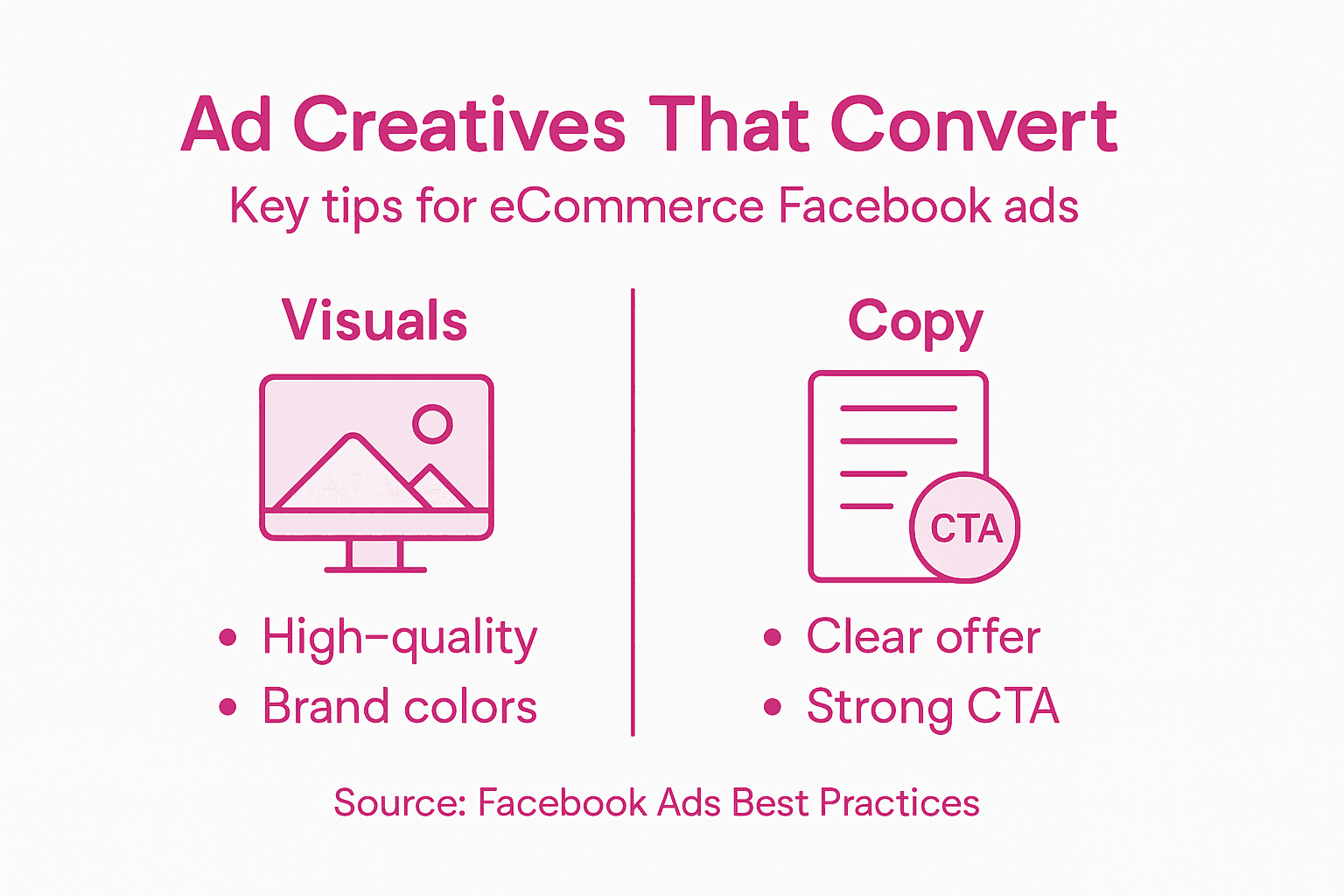
Start by understanding visual storytelling techniques that communicate your product’s value proposition instantly. Select high-quality imagery or video that showcases your product in an authentic and engaging manner. Ensure your visuals are crisp, well-lit, and demonstrate your product being used in real-world contexts. Your primary text should complement the visual narrative with concise, benefit-driven language that speaks directly to your target audience’s needs and desires.
Develop multiple creative variations to enable effective A/B testing and performance optimisation. Each ad variant should include a clear, compelling call to action that guides potential customers towards the next step in their purchasing journey. Consider incorporating social proof elements like customer testimonials or performance statistics to build trust and credibility. Remember that Facebook users are bombarded with content, so your ad must stand out through a combination of striking visuals, emotionally resonant copy, and a crystal clear value proposition.
Expert Recommendation: Create at least three distinct ad creative versions with different visual approaches and messaging angles to discover which combination generates the most engaging response from your target audience.
Step 5: Launch your campaign and monitor results
With your Facebook ad strategy meticulously crafted, it is time to bring your campaign to life and begin tracking its performance. The launch phase represents the moment where your strategic planning transforms into real world marketing results.
Navigate to Facebook Ads Manager and carefully configure campaign settings that align with your predefined objectives. Double check all parameters including audience targeting, budget allocation, and bid strategy before confirming launch. Once live, your campaign will start delivering impressions and collecting critical performance data. Focus on key metrics such as click through rates, conversion rates, cost per click, and return on ad spend to understand how effectively your ads are resonating with your target audience.
Establish a routine of regular monitoring and iterative refinement. Facebook Ads Manager provides comprehensive analytics that enable you to track granular performance insights. Pay close attention to audience engagement patterns, demographic responses, and conversion funnel behaviour. Be prepared to make rapid adjustments such as pausing underperforming ad variants, reallocating budget towards high performing creatives, or fine tuning audience targeting based on emerging data trends. Successful Facebook advertising is an ongoing process of continuous learning and optimisation.
Expert Recommendation: Schedule weekly performance review sessions to systematically analyse your ad metrics and make data driven optimisation decisions.
Unlock the Full Potential of Your Facebook Ads for eCommerce
Launching Facebook ads that truly convert requires more than just basic setup. The article reveals common challenges such as defining precise campaign objectives, mastering advanced audience targeting, and designing compelling creatives that capture attention instantly. These key pain points can stall your growth and dilute your budget if not expertly addressed. Our proven expertise in digital marketing specialising in SEO, AI, Social Media and PPC for eCommerce means we understand these hurdles intimately and know how to turn them into powerful growth opportunities.
Imagine having a seasoned partner who helps you:
Pinpoint the perfect audience with granular targeting strategies
Seamlessly implement tracking pixels to monitor real-time conversions
Craft irresistible ad creatives that stop scrollers in their tracks

Are you ready to transform your Facebook advertising strategy and scale your eCommerce business with precision and confidence? Visit us at iwanttobeseen.online to discover how our team with over 25 years of experience delivering results can help you achieve real success. Don’t wait to maximise your ad spend and boost sales for your brand. Learn more on our digital marketing services page and take the critical step towards elevating your campaigns today.
Frequently Asked Questions
What are the best campaign objectives for Facebook Ads in eCommerce?
Choosing the right campaign objective is crucial for success. For eCommerce, focus on objectives like conversions and sales to achieve direct results. Start by assessing your immediate goals, whether it’s promoting a new product line or generating overall brand awareness.
How do I create a Facebook Business Manager account?
To create a Facebook Business Manager account, log into your personal Facebook profile and navigate to the Business Manager setup page. Enter your business name, work email address, and complete the required details to separate your personal and professional activities.
How do I set up the Meta Pixel for tracking?
To install the Meta Pixel, navigate to your Events Manager in Facebook Business Manager, generate the pixel code, and add it to the header section of your website. This allows you to track user interactions effectively; ensure you configure specific events like add to cart or completed purchases to gather valuable data.
What should I include in my Facebook ad creatives?
Your Facebook ad creatives should combine high-quality images or videos with compelling messaging that highlights your product’s benefits. Develop multiple versions to facilitate A/B testing and ensure each ad includes a clear call to action to guide users in their purchasing journey.
How can I monitor the performance of my Facebook ad campaign?
Monitor your ad performance by regularly reviewing key metrics such as click-through rates, conversion rates, and return on ad spend in Facebook Ads Manager. Establish a routine for checking these metrics weekly, and be prepared to make adjustments based on the data to optimise your campaigns for better results.
Recommended
Comments